
Overview: What is a Register?
Point of Sale Registers allow you to track sales from a specific register. Here are the steps on how to manage Registers for your store.
How to: Navigation
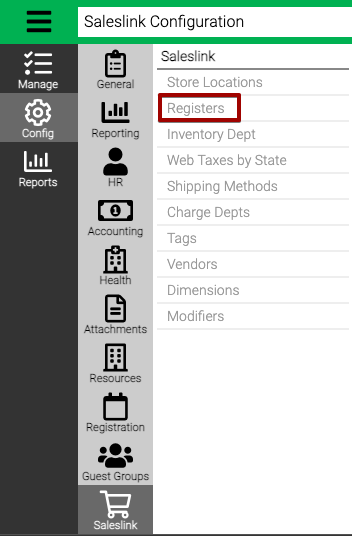
- Go to Config > SalesLink > Registers.
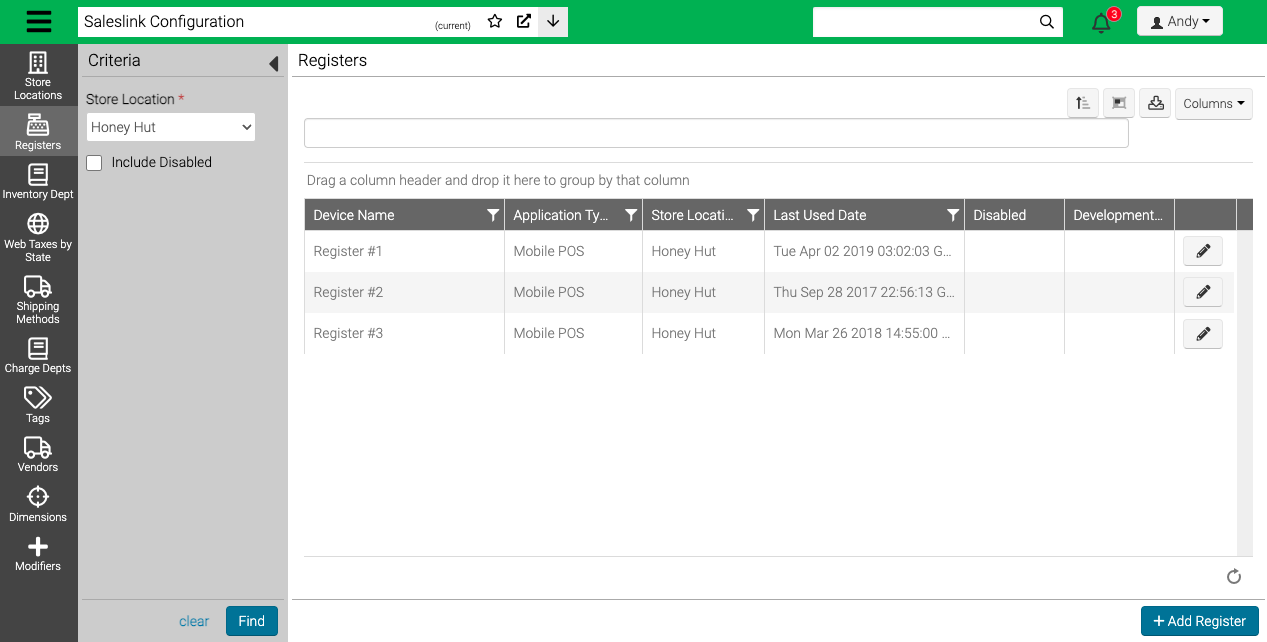
- Select a Store Location and then Find to see a list of Registers.
How to: Add Register
- Select Add Register.
- Select a Store Location and enter a Device Name.
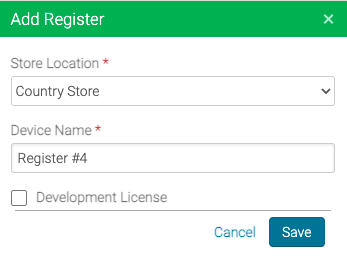
- Select Save.
Note - Development License is not currently being used.
How to: Edit Register
- Choose a register and select
 .
. - Update the device name or select Disable to remove it from the list of available Registers.
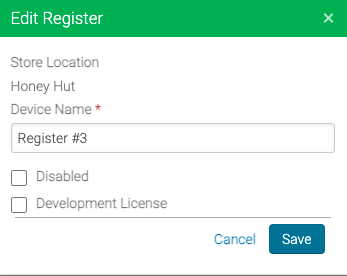
- Select Save.
New Experience
How to: Navigation
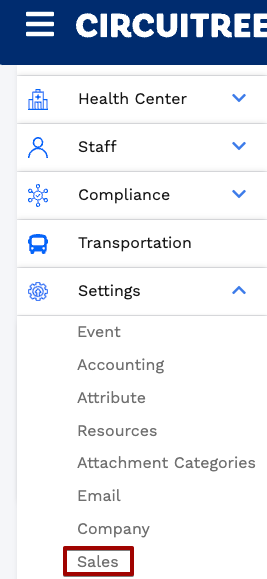
- Go to Settings > Sales > Registers.
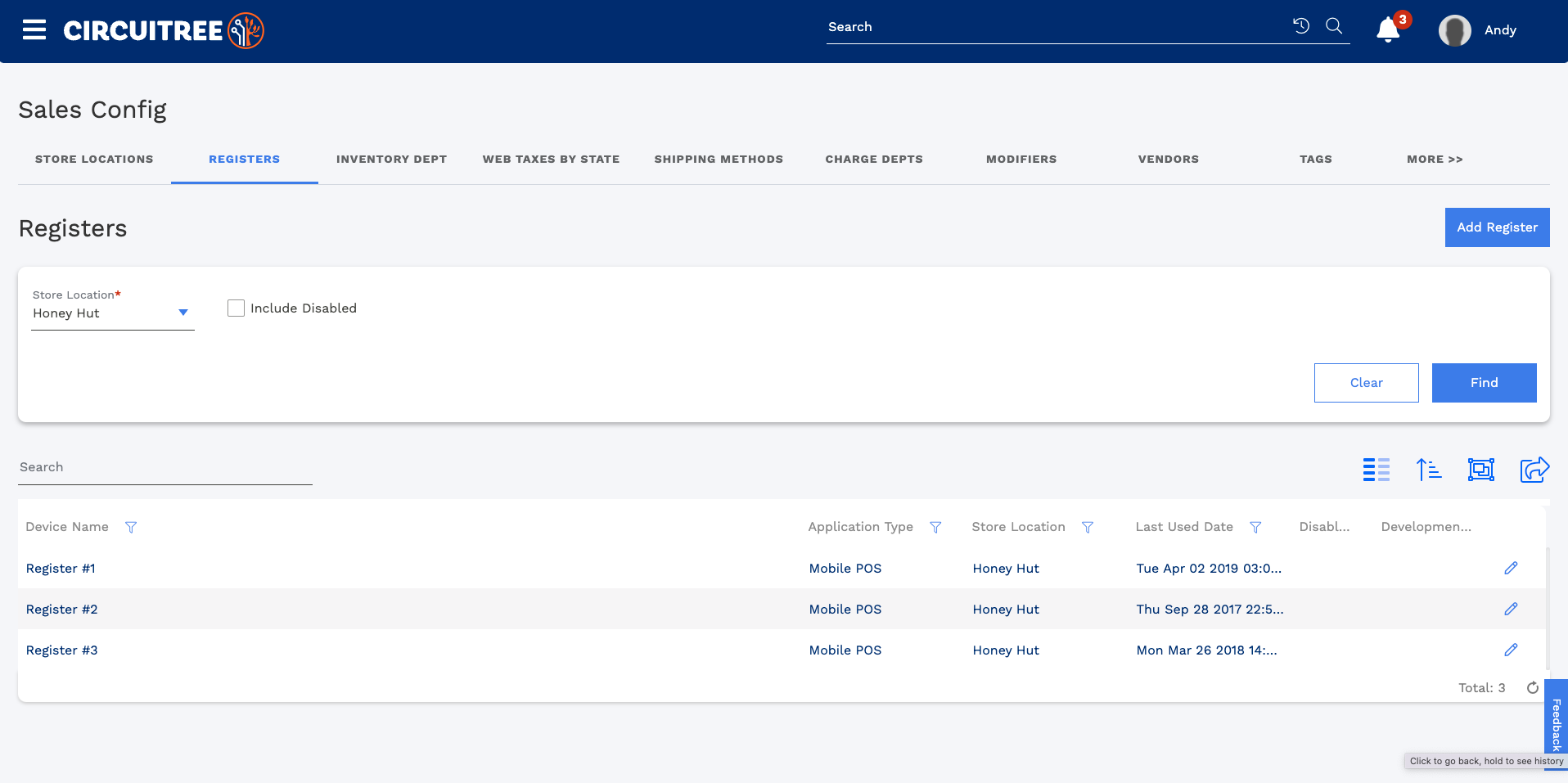
- Select a Store Location and then Find to see a list of Registers.
How to: Add Register
- Select Add Register.
- Select a Store Location and enter a Device Name.
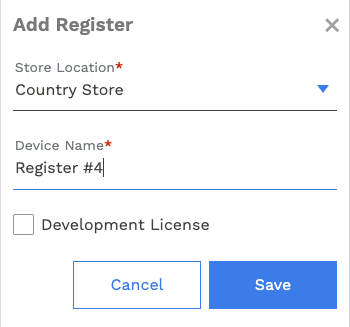
- Select Save.
Note - Development License is not currently being used.
How to: Edit Register
- Choose a register and select

- Update the device name or select Disable to remove it from the list of available Registers.
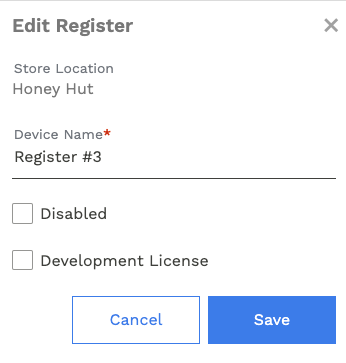
- Select Save.
Comments
0 comments
Please sign in to leave a comment.